

As much as we want to pick a favorite e-commerce platform, like most things, it depends.
Whether you’re just getting started or looking to improve performance and increase your online presence, choosing an e-commerce platform is one of the most important decisions to make for your business.
Why?
It is the beating heart of your business and what users interact with everyday. It should be easy to use, quick to navigate, and offer expansion options for when you’re ready to upgrade.
So, who wins the best e-commerce platform? The TL;DR is: It depends. Shopify wins for ease of use, while WordPress wins for flexibility.
Siege has utilized WordPress for nearly a decade on our own website and client sites, building out interactive assets and blog redesigns to improve conversions and performance.
However, making a decision on your content management system (CMS) is no one-size-fits-all approach — it’s more complicated than that.
With that being said, it’s important to understand the pros and cons of each platform to understand which one is best for your business.
Read on to understand how we came to our conclusion.
What is WordPress?
WordPress is now over 20 years old, making it one of the oldest technologies on the modern internet. While its roots may run deep, the open source team behind the software keeps pushing forward to make it the best CMS for individuals and businesses of all types.
According to W3Techs, WordPress powers 43.5% of all sites on the internet.
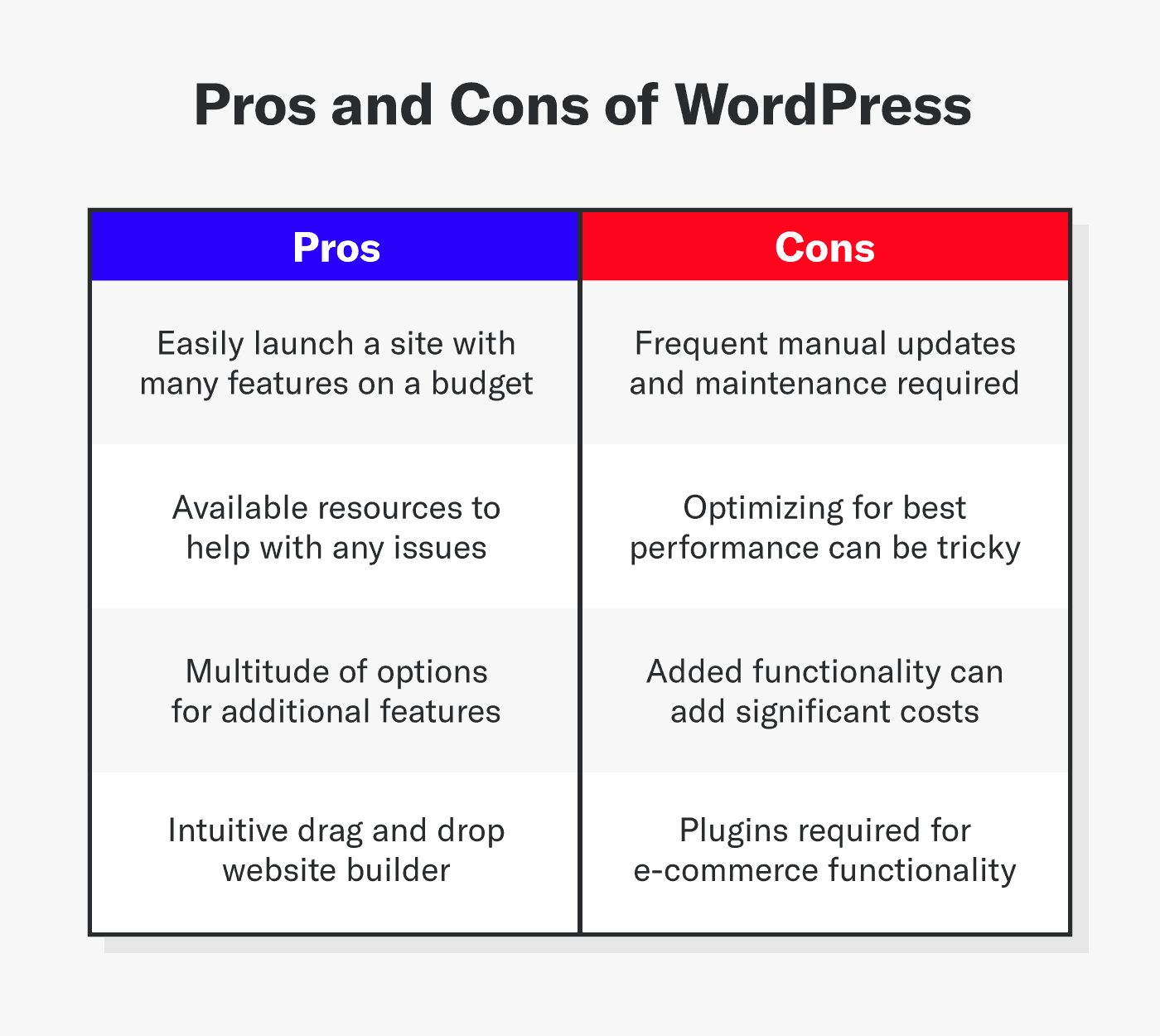
Pros and Cons of WordPress
Pros
- Easy to launch a new site with lots of features on a budget
- Lots of available resources to help with any issues
- Drag-and-drop website builder
- A multitude of options for additional features
Cons
- Frequent manual updates and maintenance can be bothersome
- Optimizing for best performance can be tricky
- Added functionality can cost significantly more than the base system
- Plugins required for e-commerce functionality
What is Shopify?
Shopify is a dedicated e-commerce platform with everything a modern business needs to start selling online quickly. Launched in 2006, the platform brings a wealth of knowledge of the e-commerce space. With one quick signup, you can:
- Buy a domain name
- Configure your website
- Add products to sell
There’s no hosting decision, no complicated procedures to synchronize your domain to your website, and virtually no technical hurdles to jump.
Over 4 million merchants sell using the Shopify platform. Shopify has the largest market share of e-commerce sites, powering 26.2% of sites.
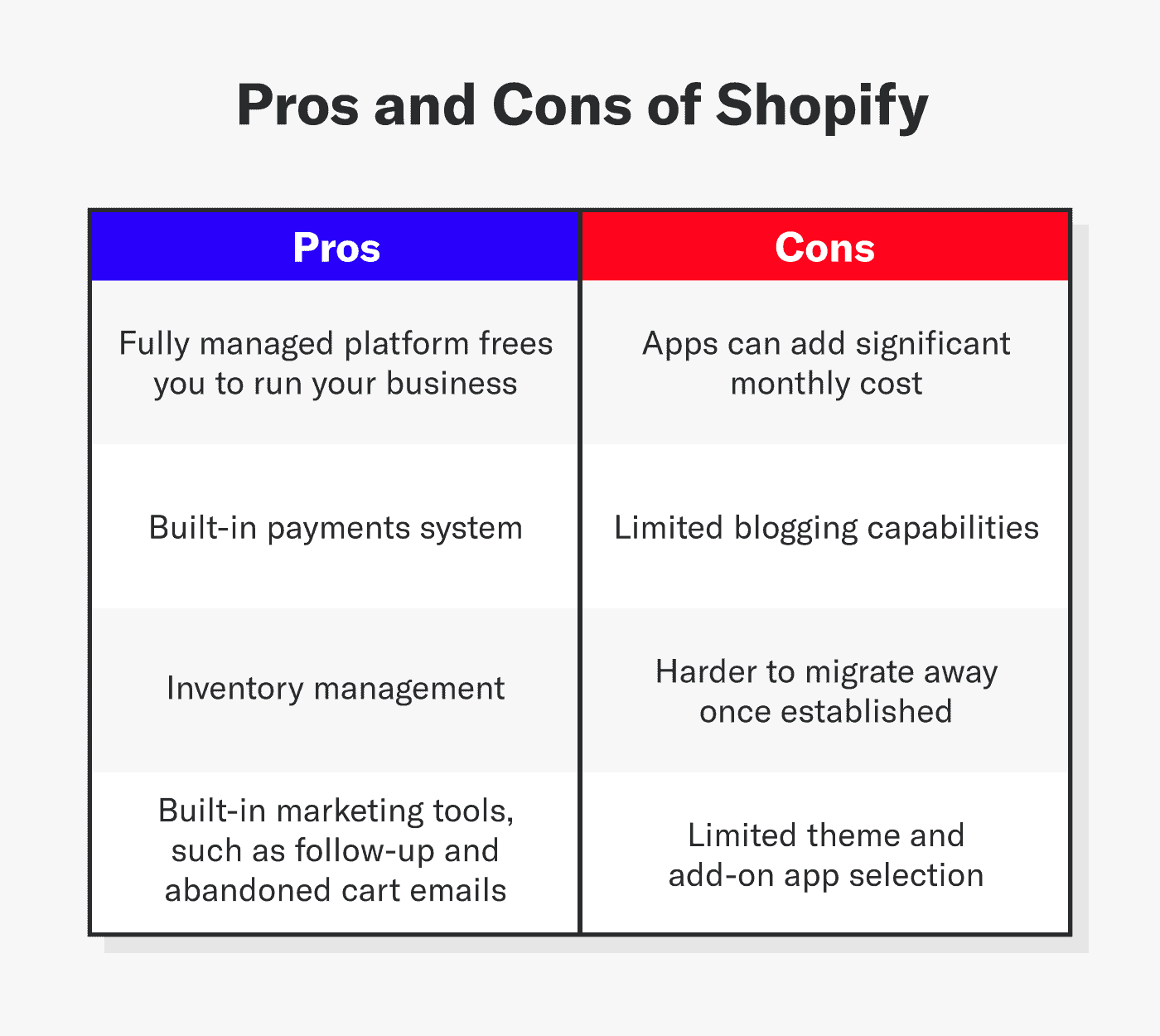
Pros and Cons of Shopify
Pros
- Fully managed platform frees you to run your business
- Built-in payment system
- Inventory management
- Built-in marketing tools, such as follow-up and abandoned cart emails
Cons
- Apps can add significant monthly cost
- Limited blogging capabilities
- Harder to migrate away once established
- Smaller theme and app selection compared to WordPress
How To Choose an E-Commerce Platform
Before choosing the best e-commerce platform for you, it’s necessary to ask yourself the following questions:
- What is your budget?
- What should the website look like?
- Do you need to add functionality with plugins or apps?
- What is your technical expertise?
- Will you require customer support?
- How much customization do you want?
Want to learn more about e-commerce marketing? Get 82 of our favorite e-commerce statistics here.
Budget
For small businesses, this is likely the most important consideration, while larger businesses may only care about performance and customization opportunities.
For both options, you’ll need to factor in the cost of your domain name, developers, and marketing.
WordPress
WordPress is technically a free and open-source software, which makes it more budget-friendly. However, creating a site always costs money regardless of the software cost.
Budget hosting is fine for an information site just starting out, but businesses with serious aspirations should look to higher tiers for best performance. Why? In the e-commerce world, performance equals sales.
- WordPress standard hosting cost = $3–$15
- WordPress managed hosting cost = $25–$500
- E-commerce plugins are subject to additional costs
Yes, managed hosting is generally more expensive, but what you get in return is a tangible benefit: the software is optimized for their servers and usually includes a list of helpful features, like backup/restore functions and global content delivery networks.
Shopify
On Shopify, there’s no performance difference between the lowest and highest-priced tiers. All sites run on the same highly optimized global network.
The main differences are in the transaction fees and higher shipping discounts in the upper tiers. Apps can add significantly to monthly costs, and expert developers for custom needs may cost more than WordPress developers.
Shopify’s plans:
- Basic plan starts at $39/month (suited to solo entrepreneurs)
- Grow plan starts at $105/month (for small teams)
- Advanced plan starts at $399/month (2025 pricing)
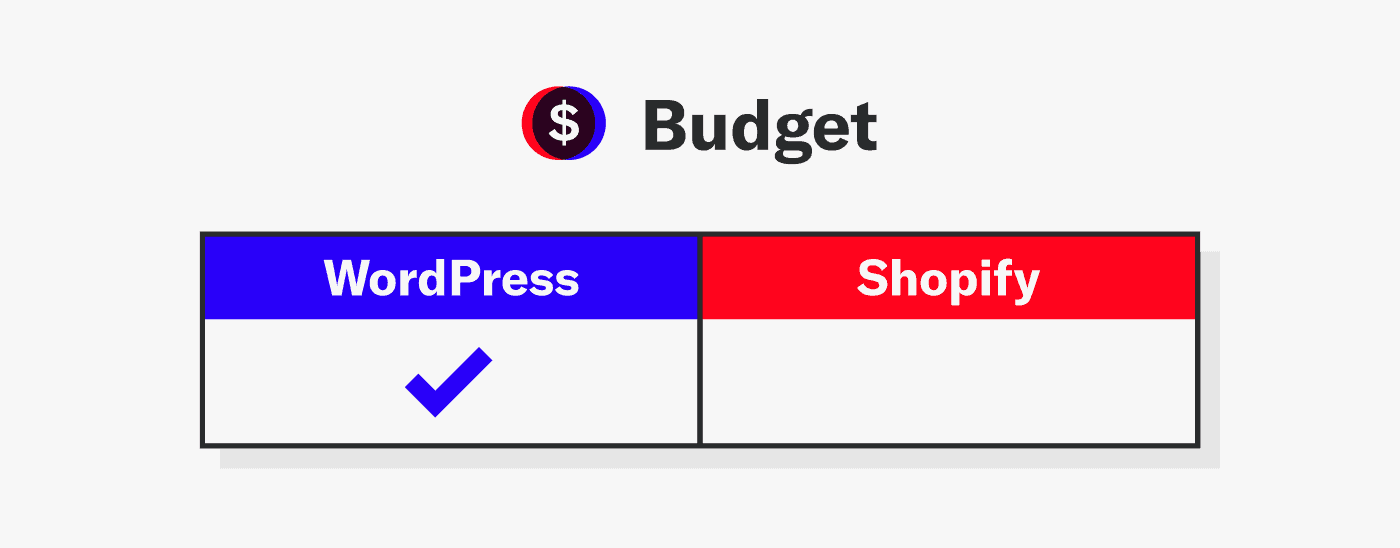
Winner
This was a close call, but in the end, WordPress wins this category due to freedom of choice — an optimal choice for e-commerce platforms:
- Choice of hosting to fit your budget and specs
- Choice of payment processor
- Choice of shipping provider
Themes
While the performance and content of your website are key factors to your site’s success, the layout and design is the first impression.
Themes are files that form the look and feel of your website and ultimately influences the likelihood of the user staying on your site.
WordPress
Plain and simple: There are a multitude of free and commercial themes available for WordPress, which makes it a great resource in this category.
WordPress has nearly 13,000 free themes available as of 2025. You can find themes that target nearly any industry, as well as general purpose themes that you can customize to your heart’s content.
It’s not an exaggeration to state that availability of themes is one of the biggest reasons why WordPress is so popular.
Speaking of customization, most themes allow at least some customization, whether selecting different fonts, colors, or layouts. For WordPress, all of that comes in an easy to use dashboard.
Shopify
Shopify has a much smaller catalog of free and commercial themes, with around 23 free and 245 paid themes, far fewer than WordPress’ offerings.
Although Shopify themes don’t offer as much customization as WordPress, it won’t be difficult to select a base theme and make it unique to your brand.
However, there are many businesses that exist to help you customize your theme or develop one from the ground up. This is a disadvantage, since it requires a developer to create a theme to match your brand. Plus, it adds cost to get your business running.
Ultimately, the quality of the existing themes is just as good as WordPress and will likely suit your needs as you get established if you decide to go this route.
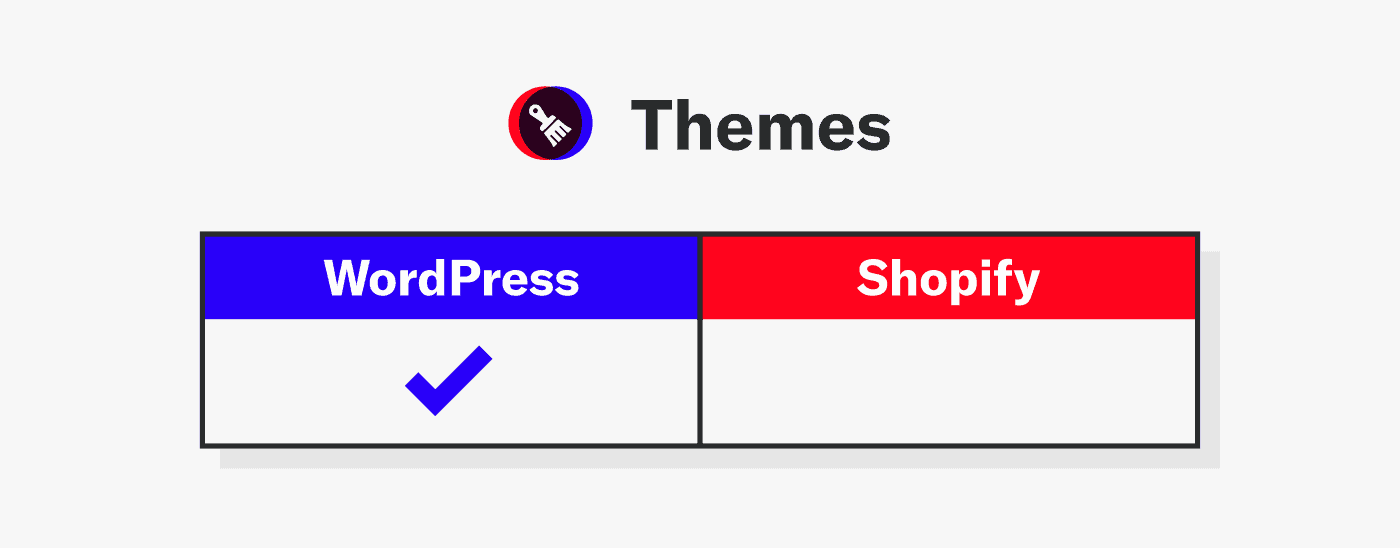
Winner
In the end, WordPress takes the cake in this category due to the sheer volume of choice.
Plugins and Apps
Plugins are necessary in website development and extend the core system’s functionality beyond its initial purpose. Today, the WordPress plugin repository hosts over 60,000 plugins for virtually any functionality.
Plugins make it easy to add advanced features to WordPress and Shopify to set your business apart or improve your customers’ experience when visiting your site.
WordPress Plugins
When WordPress launched their plugin system in 2004, it was the start of a new era for the CMS. Some of the first commercial plugins for WordPress were for e-commerce sites, so this is a long-established and respected category for them.
In WordPress, plugins can supplement ‘normal’ website functionality with things like:
- Forums
- Social network
- Learning portals
- Replace built-in functions, such as search
The most popular e-commerce plugins for WordPress include:
- WooCommerce: The leader from the company behind WordPress
- Easy Digital Downloads: The best for selling ebooks, software, or music
- WP EasyCart: The upstart all-in-one solution
From a technical perspective, plugins run within WordPress itself.
Advantages of the WordPress plugin system:
- Tight integration with the core system
Disadvantages of the WordPress plugin system:
- Poorly coded plugins can crash the whole site
- Historically, the cause of most WordPress site problems
Shopify Apps
Shopify has apps that are like WordPress plugins, as they extend the functionality of your site. Shopify has over 13,000 apps that similarly extend your site’s features.
Some examples of apps for Shopify are:
- Recommendation and review systems
- Subscription orders
- Social media feeds
Apps typically run outside the Shopify platform. Like WordPress plugins, they can access pages, users, products, and orders.
However, unlike WordPress plugins, they don’t run within the platform.
Advantages of this approach:
- Clear separation of the core system and apps
- Won’t crash the site if faulty
Disadvantages of Shopify apps:
- Difficult for developers
Many apps charge high monthly fees, whereas the typical WordPress plugin is a one-time purchase.
Winner
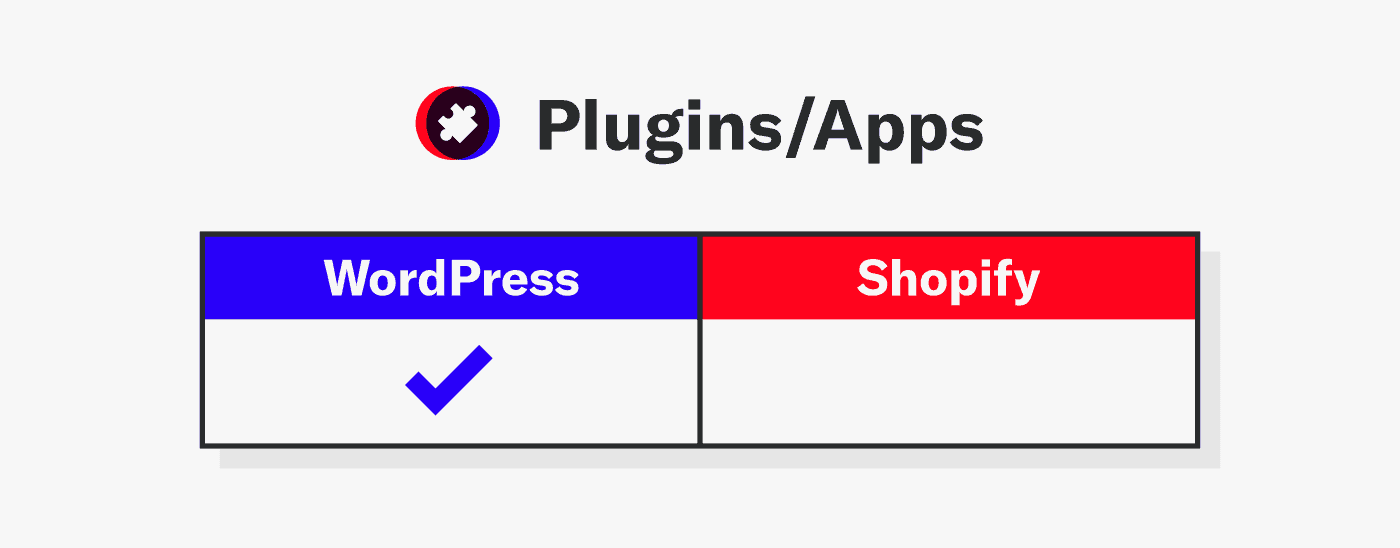
WordPress wins again for volume and diversity of choice. If you want to easily add functionality to your site, there is most likely a plugin to suit your needs. If you want to easily add functionality to your site, there is most likely a plugin for that.
Technical Matters
Are you inclined to manage your website? If you’re curious and want to learn more about running your own site, this is a good way to get started.
WordPress
If managing your website is ideal, WordPress may be a good choice. You’ll get experience installing configuring the theme, and optimizing the site for performance.
Shopify
Shopify is the better option if you’d rather just manage your business and sales. Shopify’s onboarding wizard and managed infrastructure make it much simpler for non-technical users to launch a store.
Once you configure your theme, you’re all set to promote and sell your products. The experts at Shopify handle all the technical considerations.
Winner
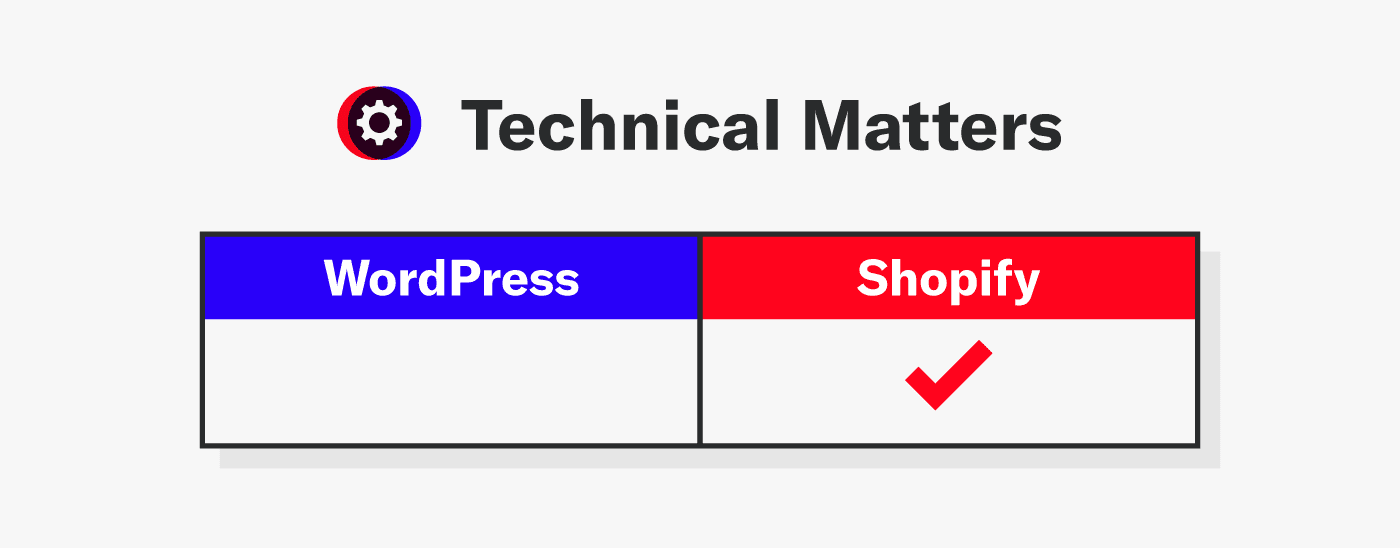
Shopify wins this category because they manage all aspects of the platform, from the software to the network — easy peasy.
If you’d rather leave the details to the experts, contact us to help with your website today.
Support
Running an online business can be technically challenging, so there may come a time when you need help.
WordPress
The open-source nature of WordPress means you generally have to rely on information from your developer or online sources.
If you do this yourself, it takes away time from running your business. Otherwise, you’ll have to hire someone to make changes.
Shopify
Shopify support is available 24/7 to help with any problems in your store.
In 2023, Shopify introduced an AI assistant called Sidekick to provide instant help and even automate store tasks for merchants.
This might be something as simple as adjusting an option in your theme or more challenging issues such as inventory management. Your monthly fee helps cover any problem you may have.
Winner
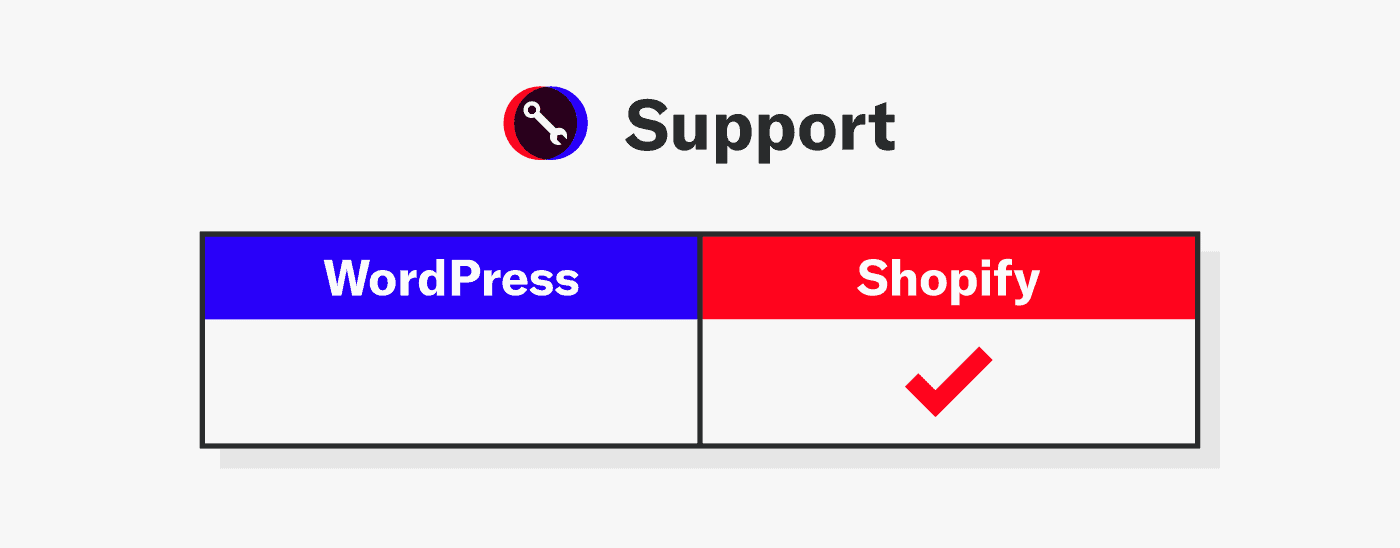
Shopify triumphs again with on-call support staff. With one call or chat, you can resolve most problems quickly. Forget the endless searches and trial and error changes and get straight to the solution.
Customization
You want your website to mesh with the rest of your brand identity, right?
Customization refers to the process of adjusting options for your website to make it yours.
WordPress
While both platforms allow customization, WordPress is the clear winner here. From design to SEO settings, you have full control with WordPress via themes, code access, and plugins.
Not only does the system encourage plugins to alter functionality, there are tons of global developers ready to take on your project. The WordPress ecosystem is so large as to dwarf the economies of small countries.
Shopify
The options for customization on Shopify are a bit more limited. While you can edit Shopify’s theme code (HTML/CSS) and use apps to extend, the platform can’t match WordPress’s depth of customization.
It kind of makes sense since a lot of functionality is built into the core platform. That said, customizing your store’s theme is a great way to stand out and is an easy task for developers and non-developers alike.
Over the summer of 2025, Shopify released its Horizon theme framework, a new collection of free themes that offer design flexibility with block-based architecture and AI-powered customization. These offer fast, no-code development of customized sites.
Winner
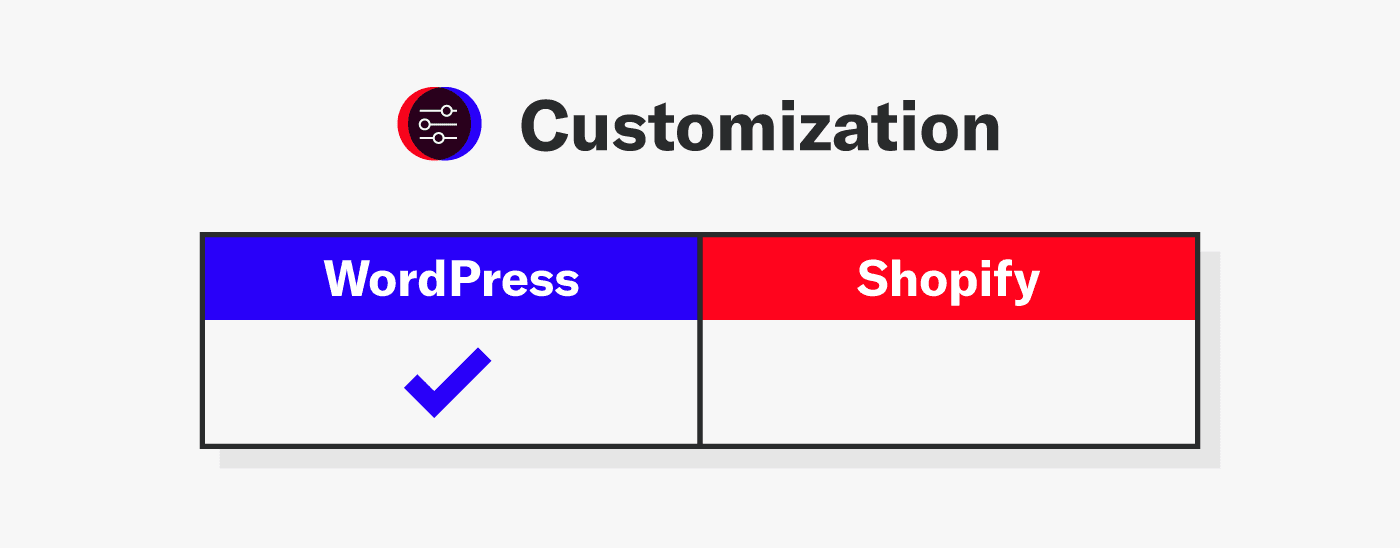
While Shopify is improving to allow more customization, WordPress still wins for overall choice and flexibility.
It’s important to note that the best way to get exactly what you want is to hire an agency with the resources to make a great looking website, and also have it perform its best. We’re here to help when you’re ready.
Don’t Forget: Site and Data Security
It’s a no-brainer that customer data should be secure, right? Additionally, you don’t want to be a victim of hackers exploiting your site to serve malware.
That’s where the security consideration comes into play.
WordPress
Even though WordPress is notorious for security breaches, did you know that most of these problems are in plugins?
The core system, while resilient against attacks, is not very useful without plugins to enable e-commerce functionality.
Once you add an e-commerce plugin and start accepting payments, you open your site up to potential bad actors. Then, you have to add plugins for security, spam protection, and logging. All those plugins add up in potential cost increases and performance decreases.
There are several well-respected security plugins to help protect your site against hackers. Our favorites:
Shopify
Shopify has you covered with secure payment processing. They also work hard to ensure that hackers cannot access your customers’ personal data.
Note: Shopify offers its own payment processor, Shopify Payments, and will charge transaction fees if merchants choose a third-party payment gateway.
Winner
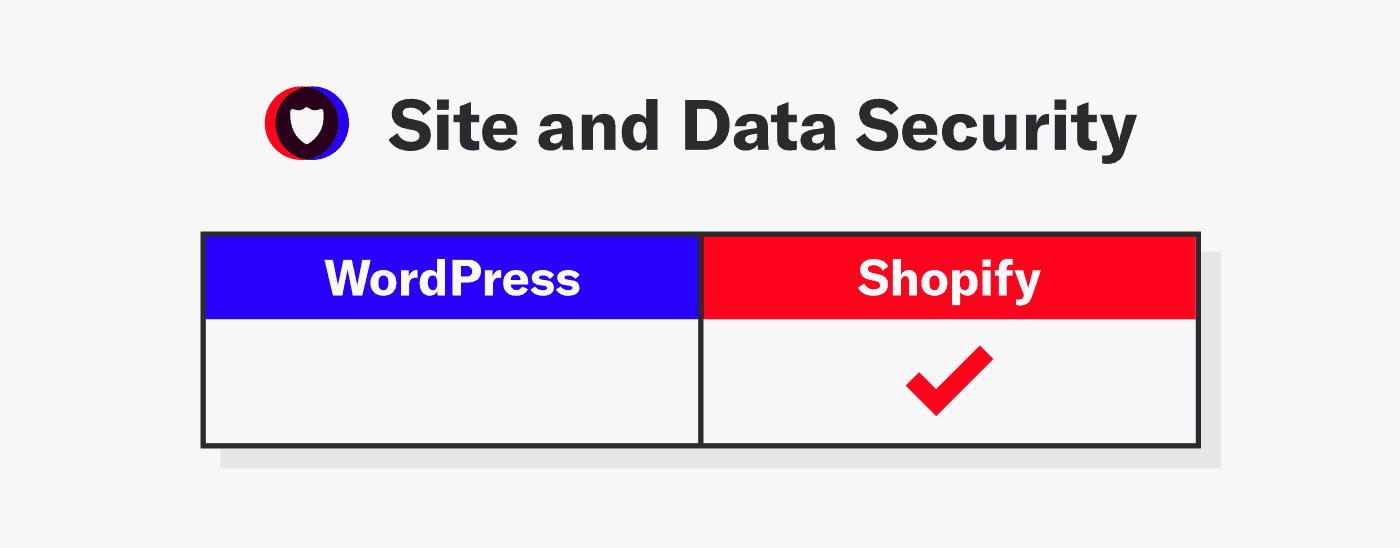
Shopify prevails again in this department. While WordPress gives you many choices, this is one area where a lack of choice is good — Shopify just does it right.
AI Capabilities
The integration of AI into e-commerce platforms is a rapidly developing area. The fundamental difference between WordPress and Shopify mirrors their core philosophies: Shopify offers a built-in, centralized AI suite, while WordPress relies on a vast, decentralized ecosystem of plugins.
WordPress
WordPress’ AI capabilities come from a constantly evolving ecosystem of plugins rather than any native features. This means there’s a broad range of options, but the user needs to find and install them.
Some key capabilities include:
- Content generation and writing: Plugins like AI Engine, AI Power, and GetGenie integrate with large language models (LLMs) like GPT-4. They allow users to generate blog posts, articles, and product descriptions directly within the WordPress editor (Gutenberg or other page builders).
- Page builders with AI: Popular page builders like Elementor and Divi have their own built-in AI tools. These features can generate text, images, and custom code, and even suggest page layouts and designs based on user input. This gives users a “copilot” for visual design and content creation.
- SEO optimization: SEO plugins like Yoast SEO and Rank Math now include AI features. These can automatically generate meta titles and descriptions, suggest internal linking opportunities, and provide keyword research and content analysis to improve a site’s search engine ranking.
- Customer interaction: A huge number of plugins offer AI-powered chatbots and live chat solutions (e.g., Tidio, Dante AI). These bots can be trained on a site’s specific content to answer user questions, guide them through the site, and generate leads.
- WooCommerce-specific AI tools: For e-commerce, specialized plugins integrate AI directly with WooCommerce. For example, plugins like AI Product Tools and Kestrel AI can bulk-generate SEO-friendly product titles, descriptions, and tags. Other tools can provide personalized product recommendations and sales forecasts.
- Media and image management: Plugins exist that use AI to generate images from text prompts, rename media files for better SEO, or create image variations.
Shopify
Shopify offers a built-in suite of AI capabilities called Shopify Magic. These features are deeply integrated into the platform’s core functions and are designed to streamline tasks for merchants, from a one-person operation to a large enterprise.
Some key features include:
- Product descriptions: Merchants can use AI to generate engaging, SEO-friendly product descriptions from a few keywords. This is especially useful for businesses with large product catalogs or for dropshippers who need to create unique content quickly.
- Marketing content generation: Shopify Magic can create content for a variety of marketing channels, including:
- Blog posts: It can help with generating outlines, drafts, and full articles.
- Email campaigns: It suggests subject lines and email body content for promotional campaigns.
- Customer support: Shopify Inbox, the platform’s chat feature, uses AI to provide instant, automated answers and suggested replies based on your store’s data and policies. This helps with common customer queries like “Where is my order?” or “What are your shipping policies?”
- Store management & back-office tasks: The Sidekick AI assistant is a notable feature that allows merchants to use natural language commands to perform complex tasks. For example, a merchant can ask Sidekick to “Update my store hours for the holidays” or “Set a 10% discount on all winter items.” Sidekick can also provide data-driven insights, such as “What are my top 5 products this month?”
- Media generation and editing: Shopify Magic includes AI tools for image manipulation directly within the admin. This allows merchants to remove backgrounds from product images, generate new hero banners, or create a logo without needing a separate design tool.
- App review summaries: To help merchants choose the right apps, Shopify Magic can generate concise summaries of app reviews, saving time on research.
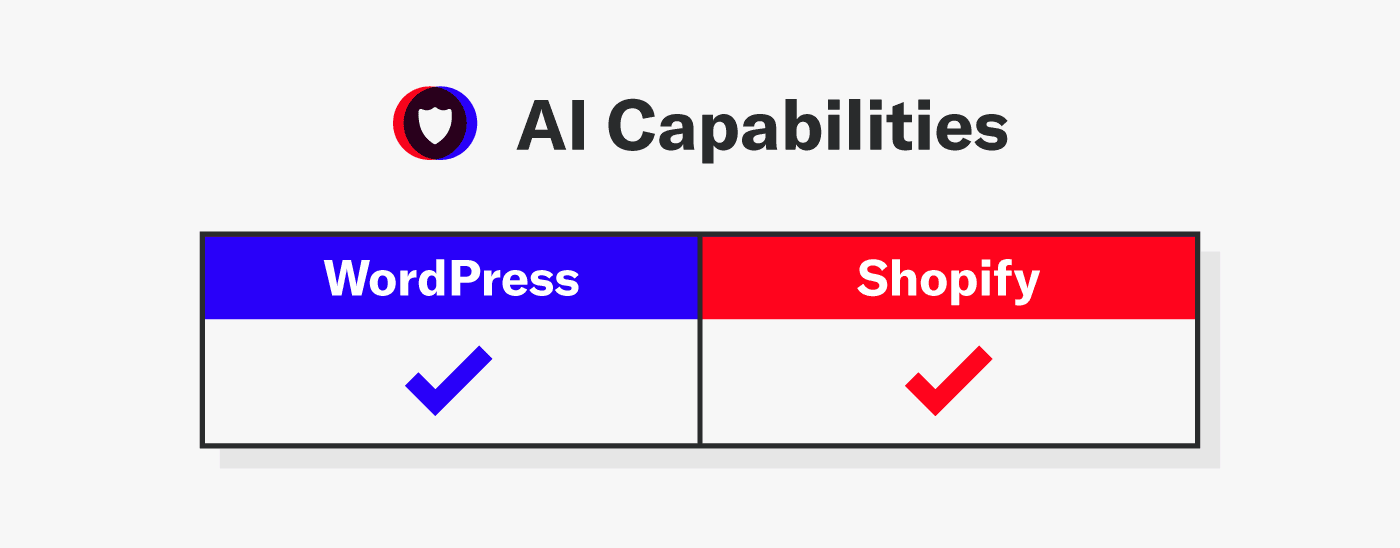
Winner: Tie
This one is too close to call. Shopify is great for its built-in AI capabilities, making it an easy choice for store owners, while WordPress offers a wide variety of AI-powered plugin options that store owners will need to choose from.
Other Platforms to Consider
There are several alternatives to each platform, depending on your needs.
For example, if you have experienced developers who are more productive with other platforms, then selecting one of these platforms may not make sense for you.
Additionally, if you have hundreds of thousands — or even millions — of pieces of content, these platforms may not offer acceptable performance.
Competing with WordPress for pure CMS market share is Drupal and Joomla, though each has seen their user numbers decline in recent years.
Many lesser-known platforms are in the process of dying off, while others compete to take market share from the leader — WordPress.
You may have already heard of Squarespace, but did you know they aren’t the only all-in-one solution? There’s also Webflow, Wix, and Weebly, which all include e-commerce, blogging, and information site features.
Other possible reasons to consider other platforms:
- Enhanced security requirements – Drupal
- More options for user permissions – Joomla
- Complex content types and relationships – Drupal and Joomla
- Simple site publishing – Weebly and Wix
Our Winner: WordPress
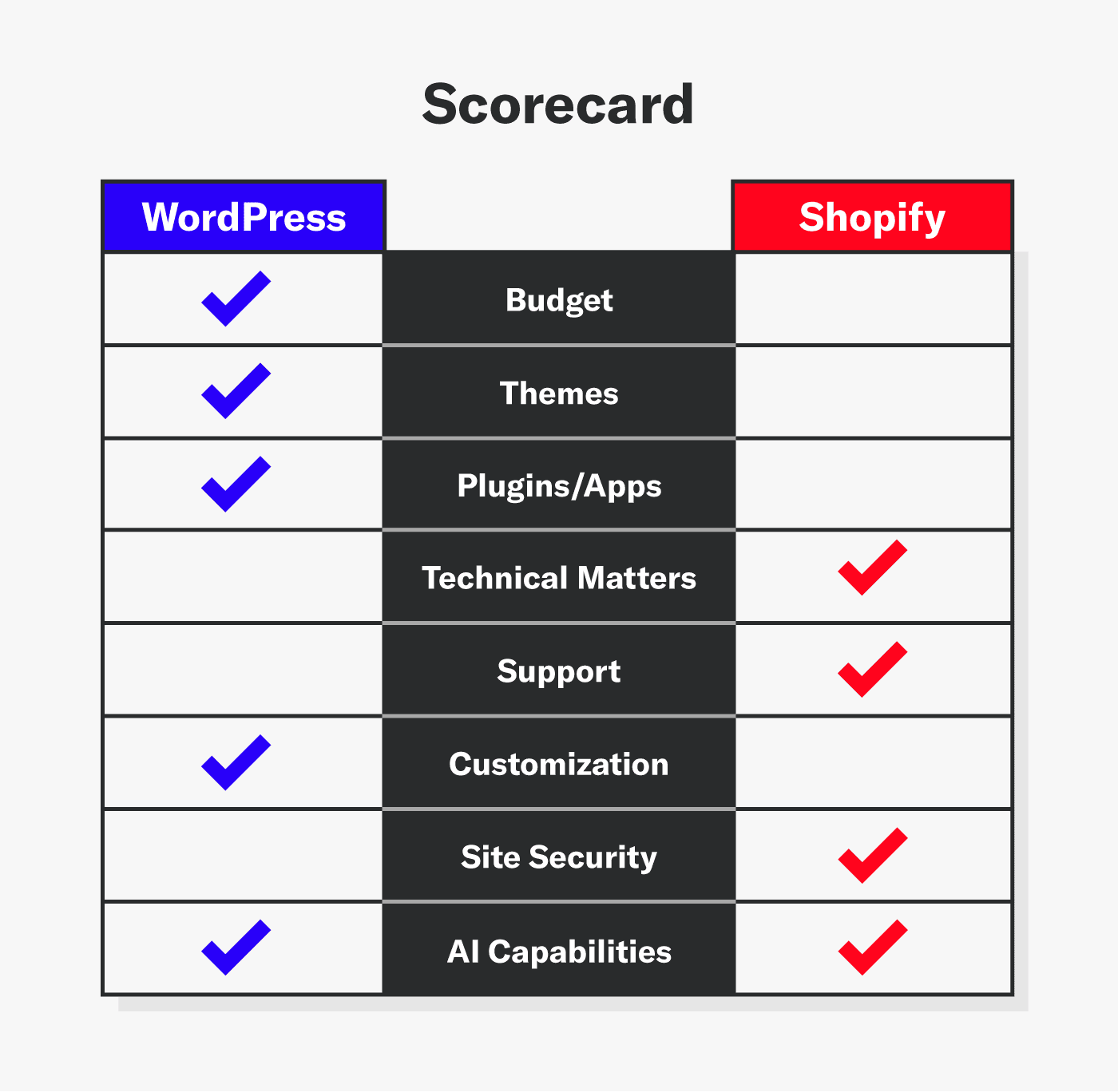
For ultimate flexibility, WordPress remains the clear choice. Whether you need limitless customization, a vast plugin ecosystem, or ownership of your platform, WordPress delivers.
WordPress’s dominance in both general websites and online stores (via WooCommerce) underscores this choice, while Shopify is ideal for quick, hassle-free startup.
If you’re just starting out, choosing an all-in-one platform like Shopify can get you selling in no time. Start with their free trial to gauge its workflow and whether the available themes fit your brand.
Whichever platform you choose, we can help design, develop, and optimize your online presence.